
Track a bowling game in Elo-X
Choose your players, record one finished tenpin game and keep the result in your history.
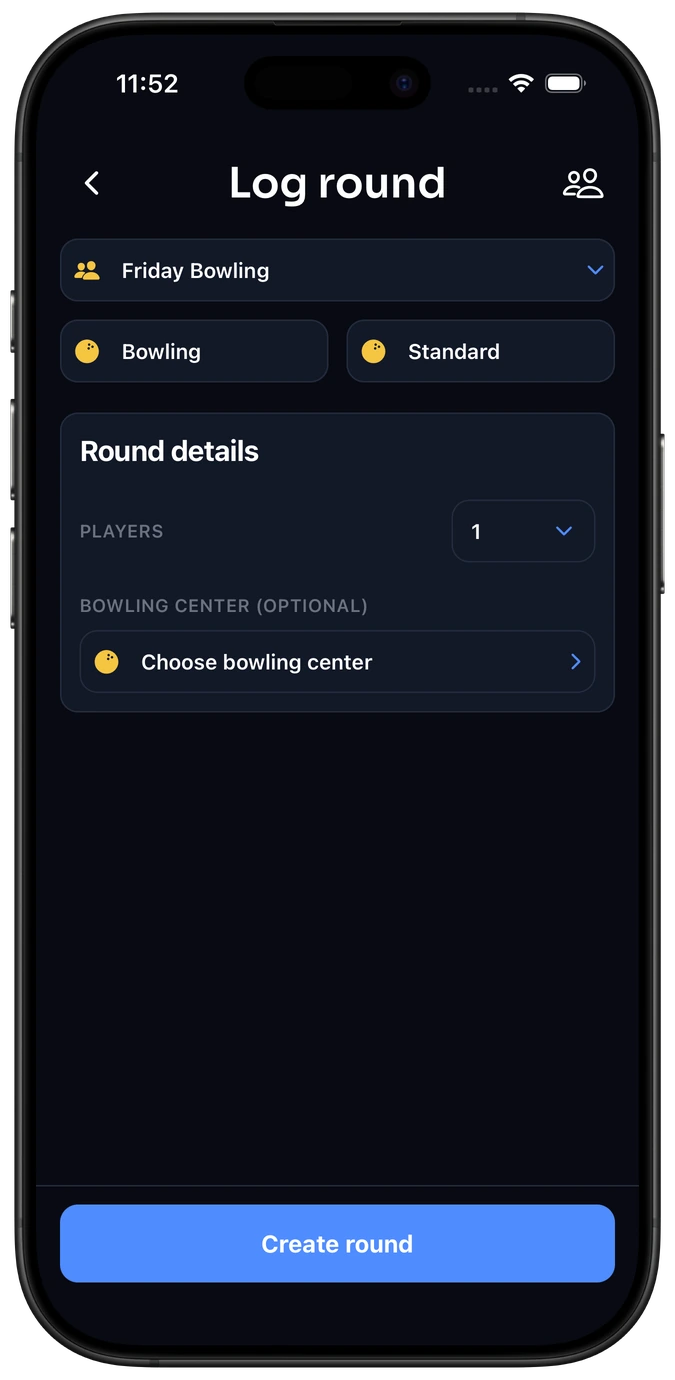
1. Choose Bowling and your players.
Open Actions → Log Result. To log a standard activity, use the top-right menu to choose Official, then select Bowling → Standard. To keep the game in an existing bowling group, start from that group instead.
Choose one player for unrated practice, or two to sixteen individual players for a competitive game. A bowling center is optional: select one if you want the venue attached, or continue without it.
2. Enter one finished game total.
Copy each player’s final score from the lane’s scoreboard: one tenpin game, from 0 to 300 points. A genuine zero is valid. The highest total wins; equal totals share a finishing position.
Elo-X records the finished total. It does not calculate strikes, spares or frame-by-frame bonuses. Log each additional game as a separate result.
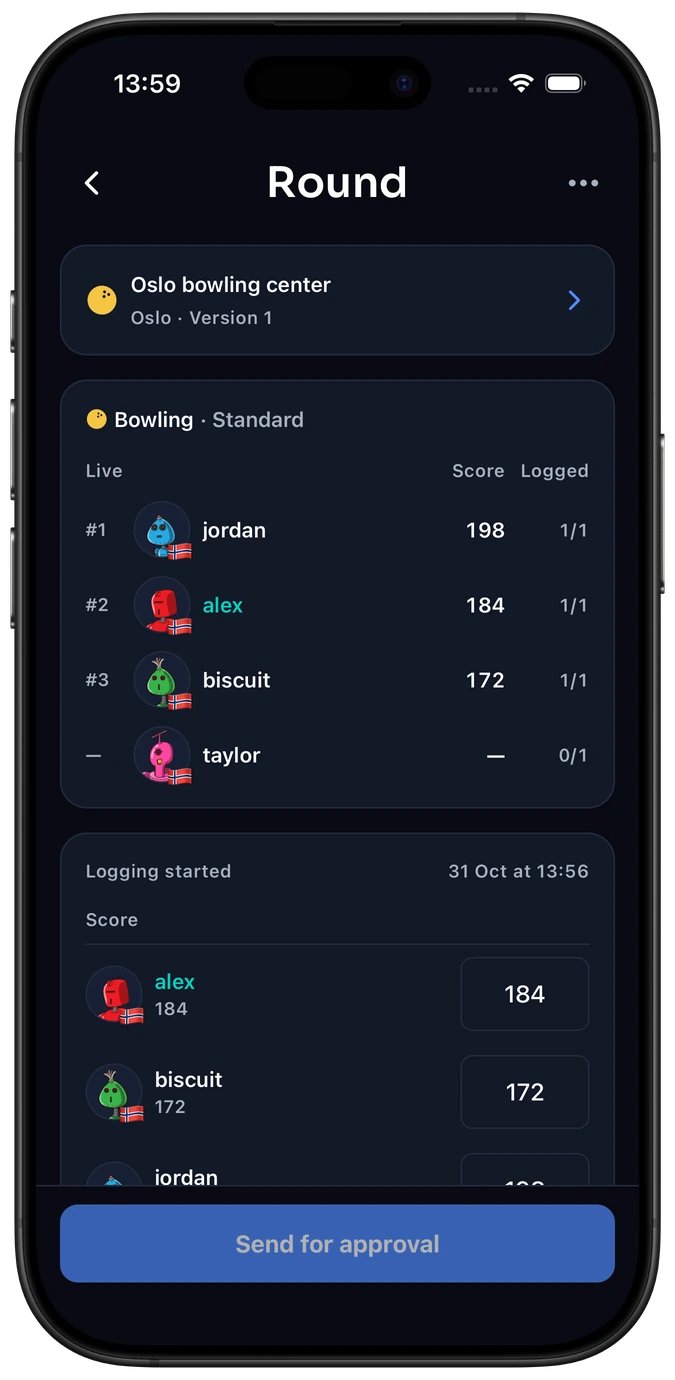
3. Review and finish.
Check the activity, players, center and scores. For multiplayer games, send the completed scorecard to the other players for review. Confirmed competitive results can affect ratings.
Solo practice is always unrated. Ungrouped solo games are private; completed solo games linked to a group are visible to its current members.
Adding a missing bowling center.
Open Choose bowling center and search by the center’s name or address. Try another spelling before adding a duplicate. If it is still missing, open the top-right menu and choose Create bowling center.
Enter a clear name, open the location row, check the selected country and select the correct place. There are no holes or par settings for bowling. Keep Public approval on to submit the center for review when saving, or turn it off to keep it private.
Choose Create bowling center when the required details are complete, and confirm submission if prompted. A submitted center stays private until approved. Players added to the game, or joining through its link or QR code, get access to its private center.
Explore bowling scores and rankings → · Start your bowling group →
Common questions
Do I need a bowling center to record a game?
No. The center is optional. You can record the game total without selecting one and still keep the result in your history.
Can games from different centers appear in my statistics?
Yes. Standard Bowling compares complete tenpin game totals. You can include different centers or filter your profile to one center.
What should I do if a multiplayer score is wrong?
Use the result’s review and revision flow so the players can check the corrected score. Avoid logging the same game again as another result.
Keep your next bowling game.
Record the totals, confirm the result and follow your progress.

