
Played a game? Keep the result.
Keep the results you’d otherwise forget. Build your match history, follow your rating, and see how you do against the people you play.
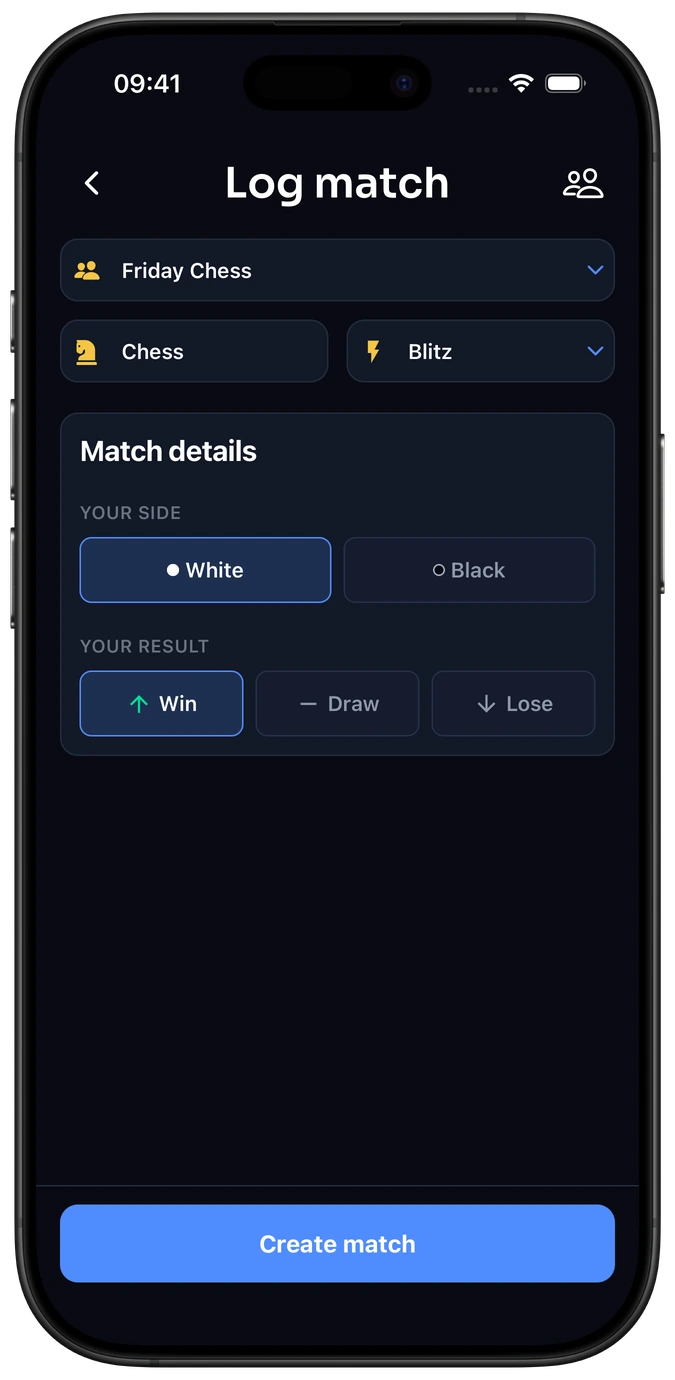
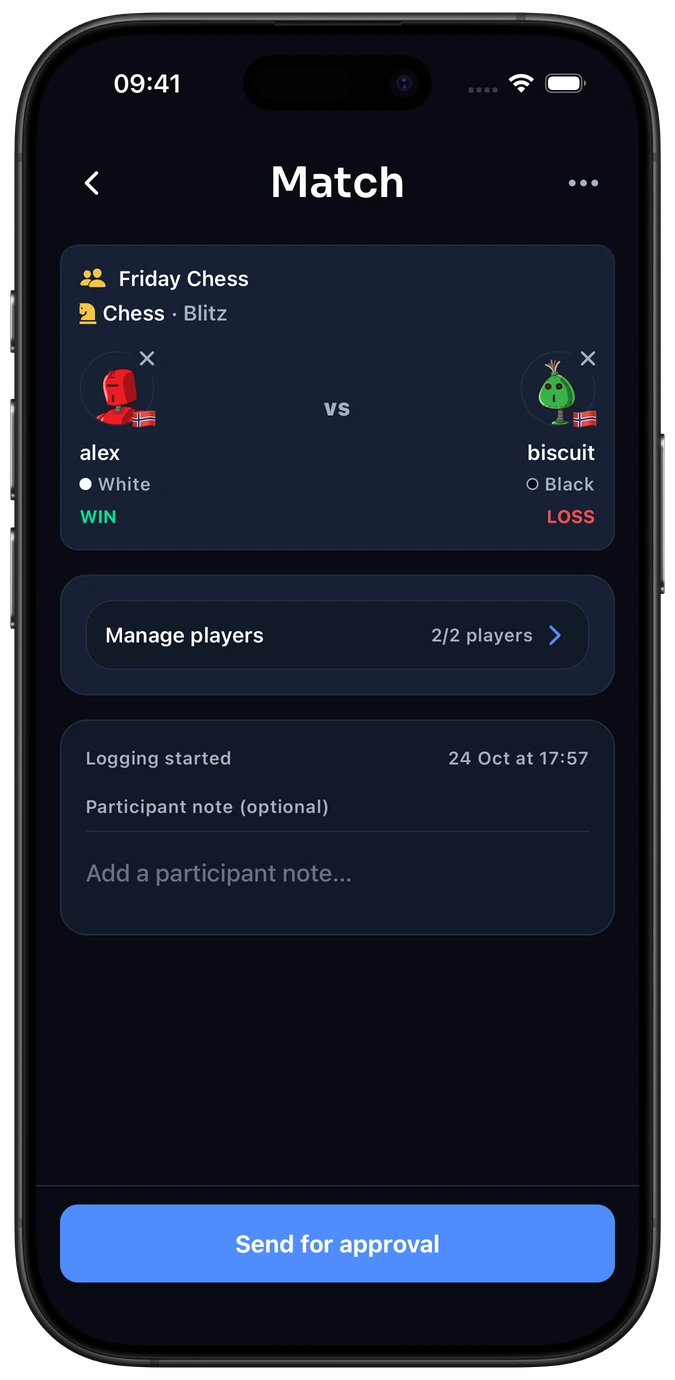
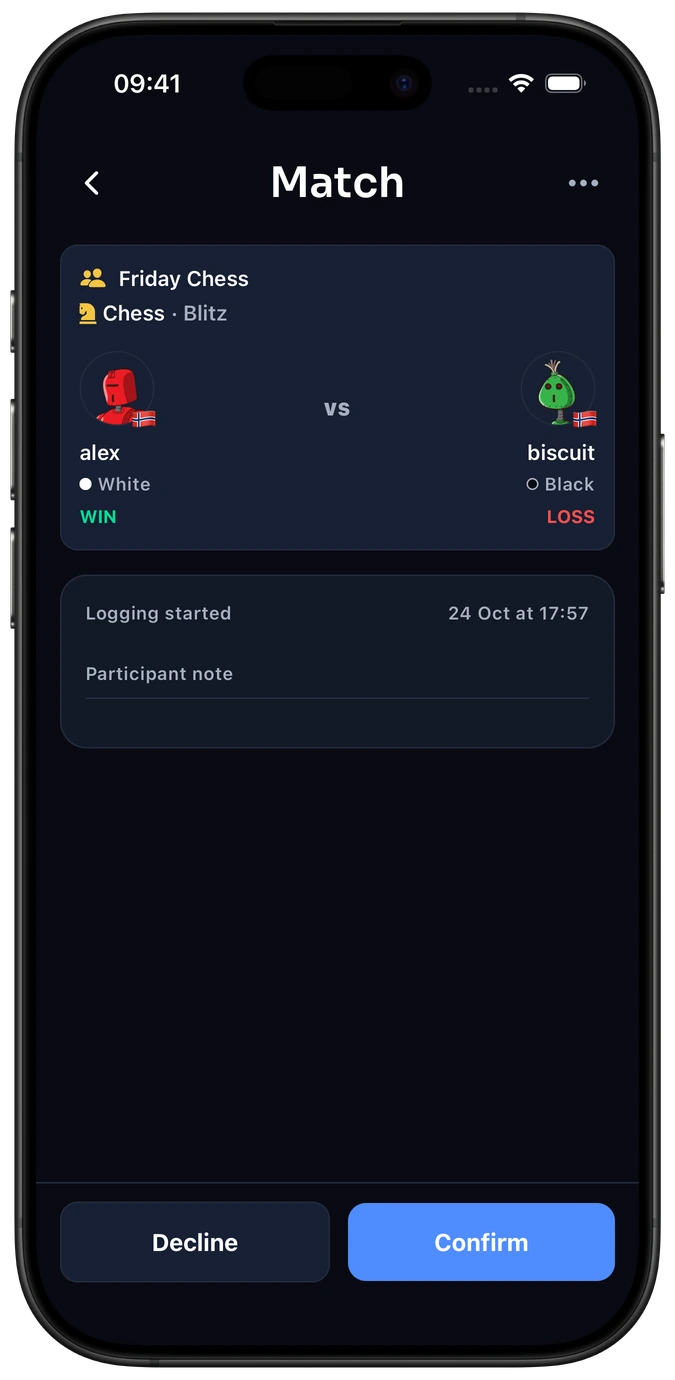
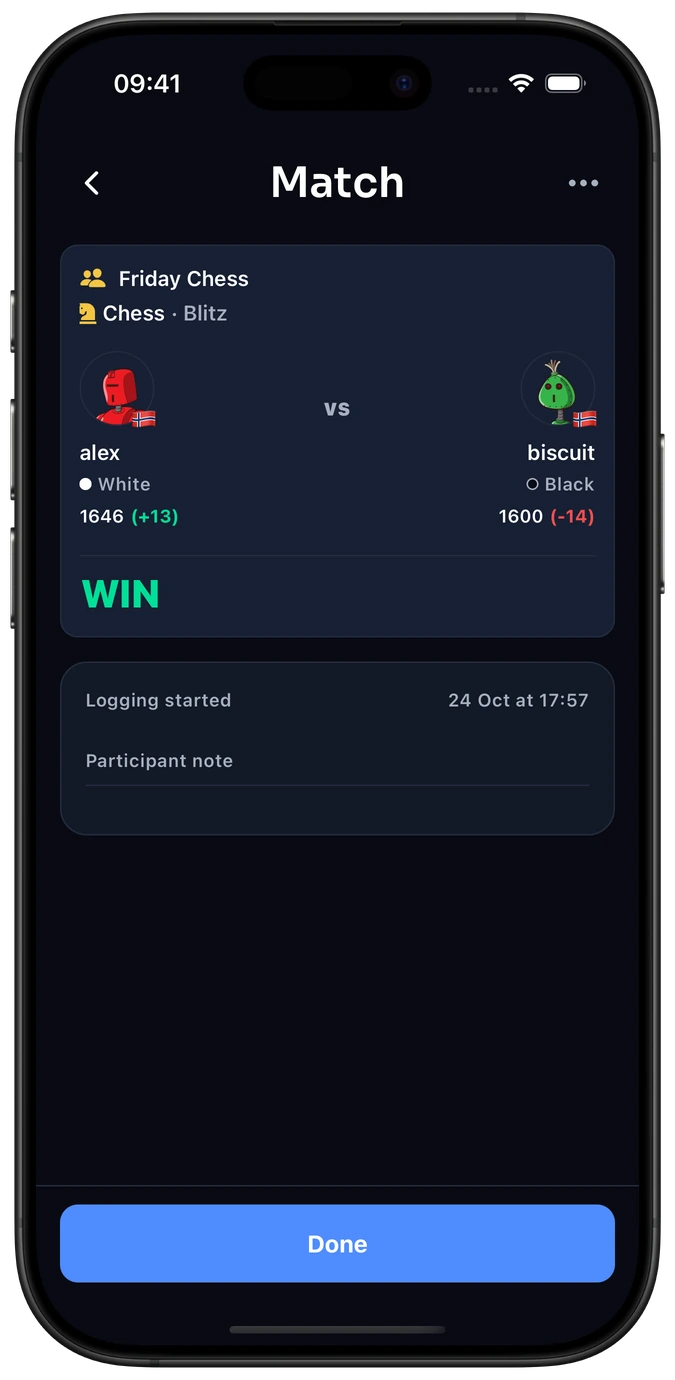
How to log and confirm a match
This step happens outside Elo-X.
Frequently asked questions
Which details do I add for my game?
In chess, choose White or Black and a win, loss, or draw. For Doubles, put the players on the pairs they played in. Custom group formats can include finishing places, points, or times. The result should reflect the format you agreed to play.
Does entering a result change my rating?
Not yet. Ratings update after everyone who needs to approve has confirmed the submitted result. Read how ratings work.
How do I add a player who isn’t listed?
Share the match link or ask them to scan its QR code. In a group, you can also choose players from the group; matches outside a group offer recent players.
What if someone declines the result?
Check or correct the details, then send the result for approval again. A declined result does not count toward ratings.
Can I set up the match before we play?
Yes. Plan a match to arrange the activity, players, and time first.
Keep your next game.
Play, save the result, and have it there next time.

