
Set up your next match.
Choose your activity, bring your players together and agree when to play. After the match, record the result and confirm it together.
How to plan and play a match
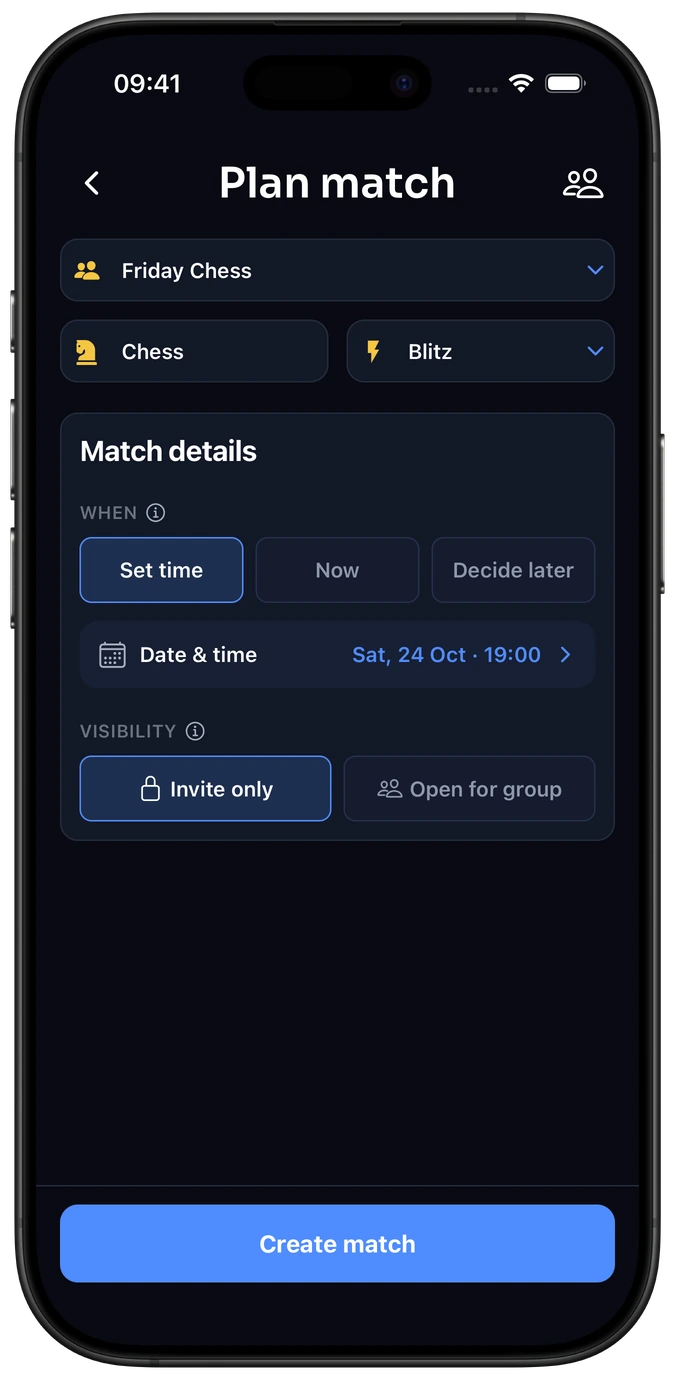
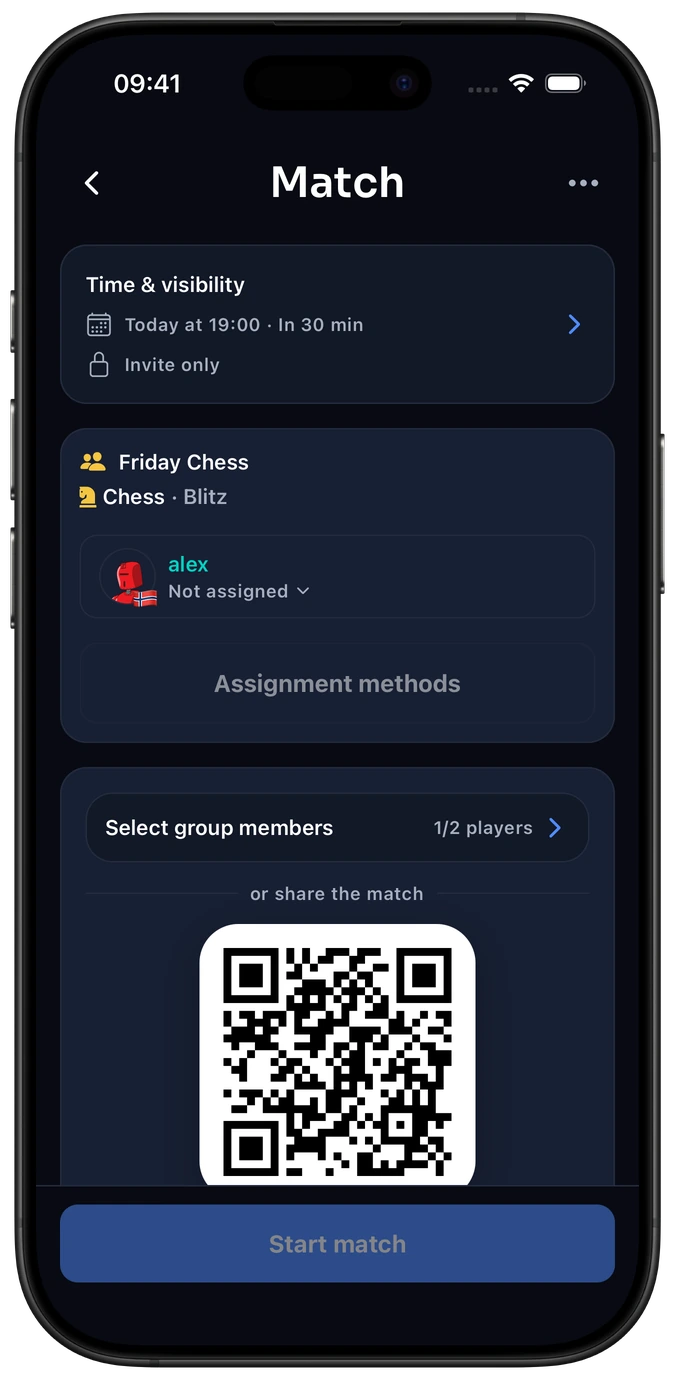
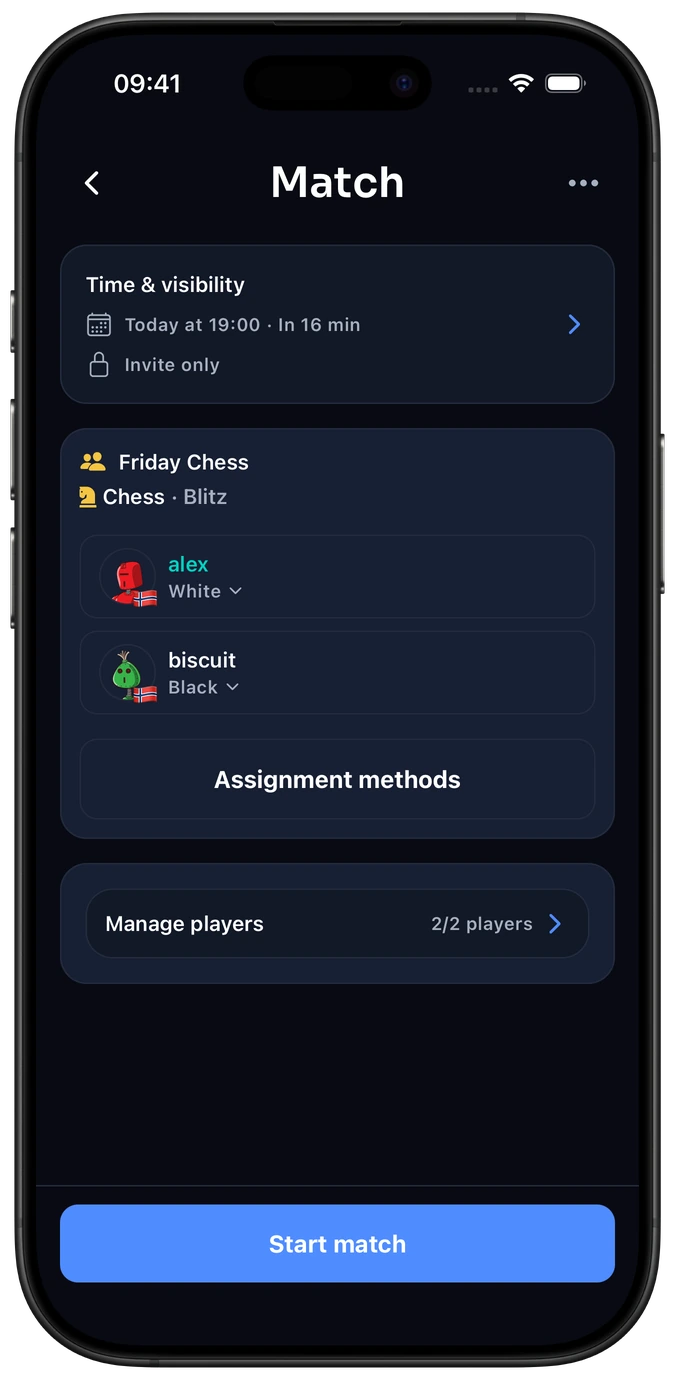
This step happens outside Elo-X.
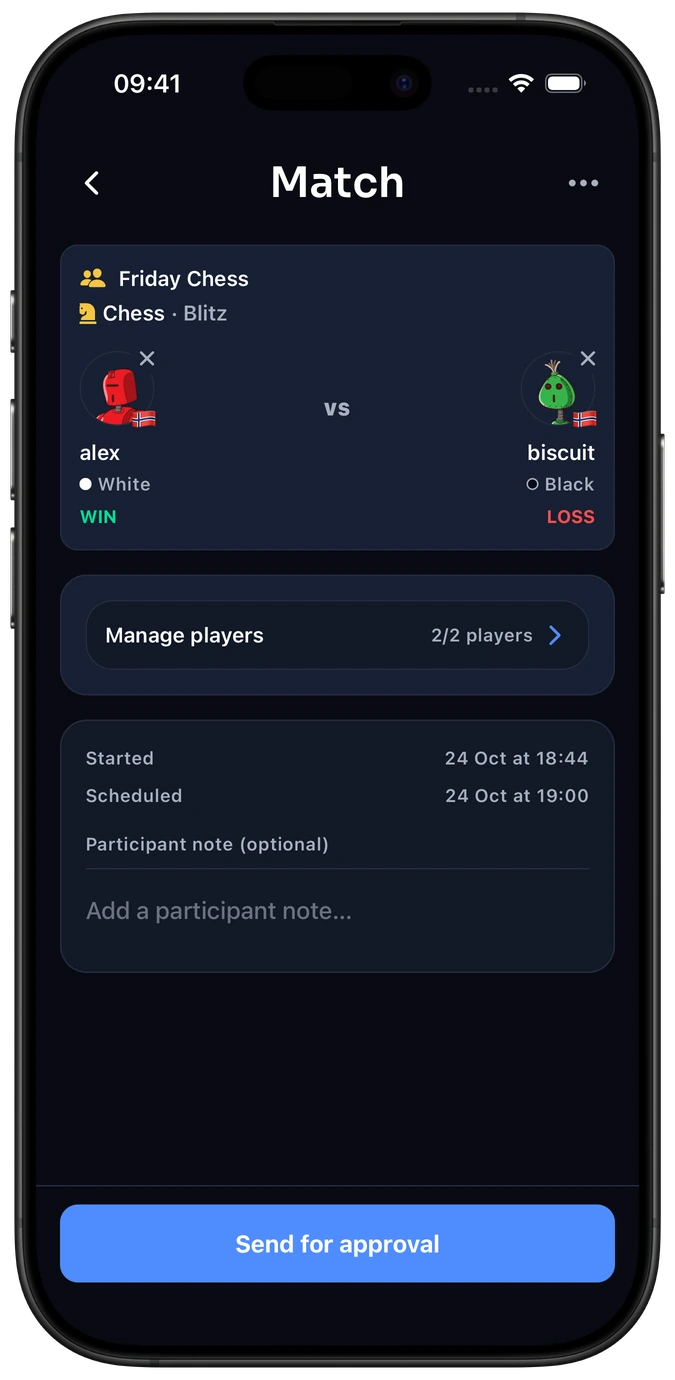
See how result confirmation works →
Frequently asked questions
Do I have to choose a time, and does the match start automatically?
No. Choose a date and time or decide later. The organizer chooses Start match when everyone is ready; the planned time does not start it automatically.
Can members of my group join a planned match?
Yes. Make the planned group match visible to members so they can join, or share its link or QR code. Explore groups and invitations →
Can Elo-X draw sides or teams before we start?
Yes. Add your players, open Assignment methods and choose Fully random to assign teams, sides or player positions. For a board game, you can agree that player 1 starts; for Doubles, use the draw to form pairs.
Does planning or starting a match affect my rating?
No. Ratings change only after a finished result is submitted and the required players confirm it. Read how ratings work →
We have already played. Do we need to plan a match?
No. Go straight to Log a match to record and confirm the completed result.
Set up your next match.
Bring your players together and keep the result after you play.

