
Table tennis leaderboards for your regular players.
Turn lunch-break games and club practice into an ongoing competition. Invite your players, track results and see who’s leading your own table tennis group.

Who plays at your table?
That office match or weekly park game deserves more than a message in the group chat. Give your regular players a shared leaderboard and a reason to come back.
- Office ping pong
- Table tennis clubs
- Park regulars
- Student groups
- Friends & family
Start your own table tennis leaderboard.
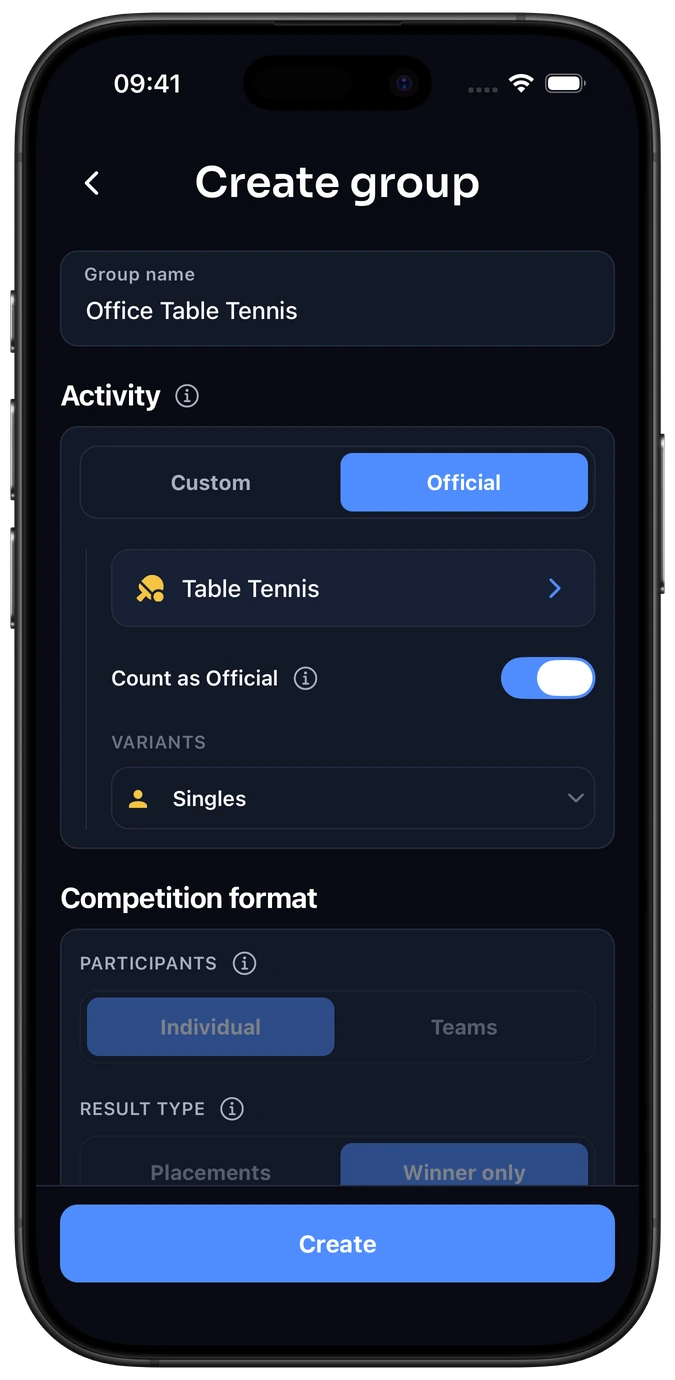
Choose Table Tennis Singles
Create a group and select Table Tennis from Elo-X’s standard activity list. Use Singles for one-on-one competition.
Invite your players
Share your group’s invitation link or QR code with the people you play with.
Play and confirm
Log your game or match result, then confirm it with your opponent. Follow your group’s ratings, leaderboard and game history.
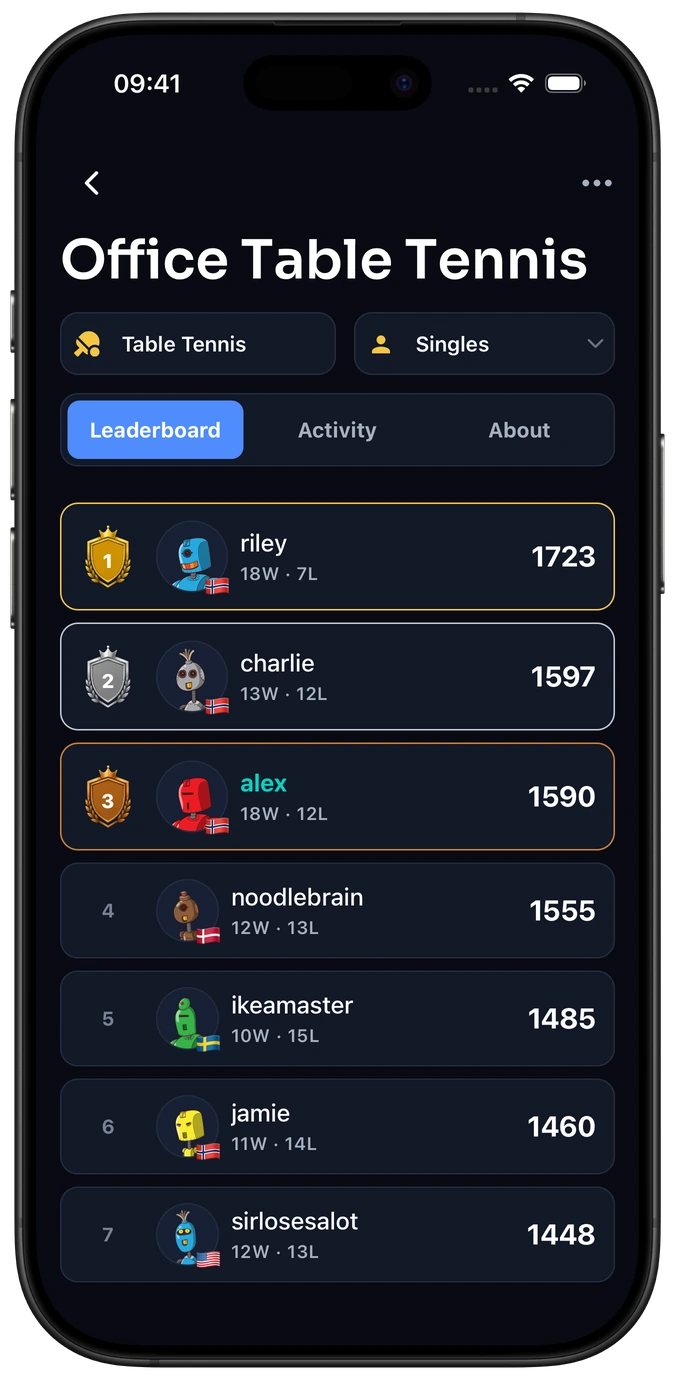
Your players, your standings
Compare ratings and positions within your table tennis group.
Your own competition
Keep your group’s Singles standings separate from global competition.
A record of your games
Revisit the confirmed games behind your group’s standings.
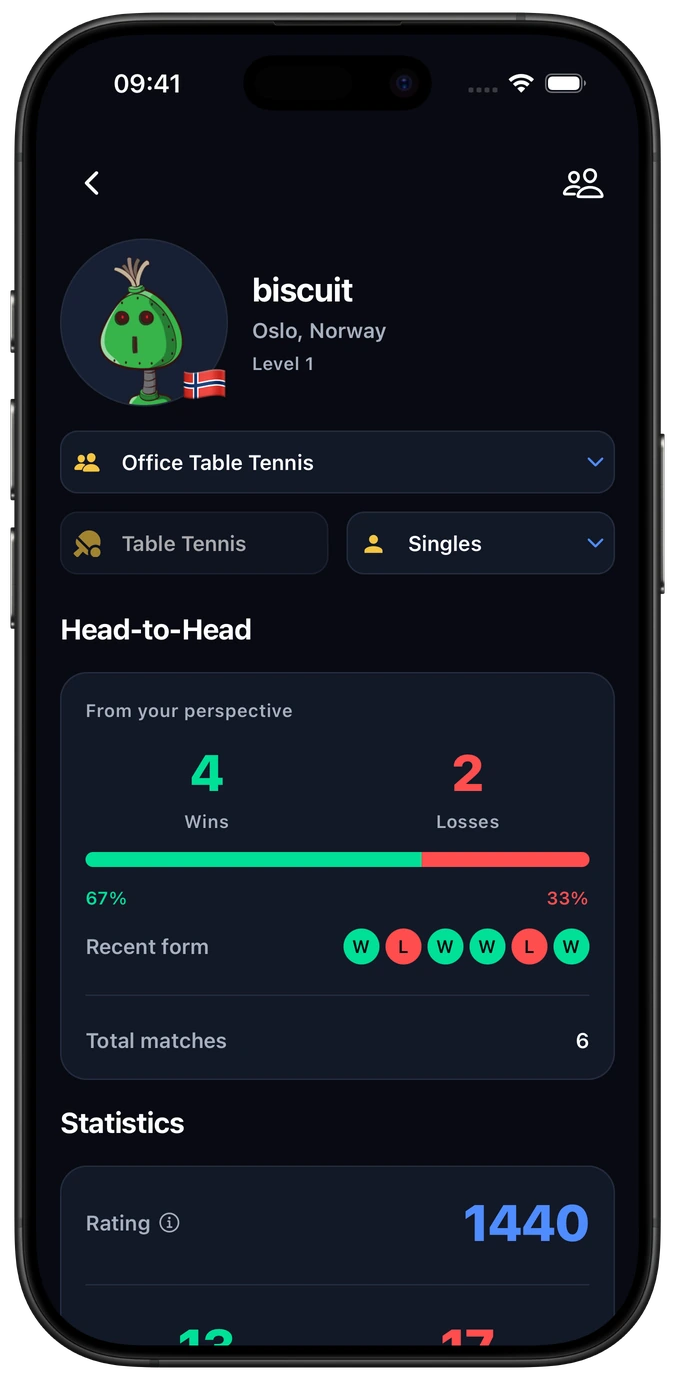
Your table, your rivals
Compare your Singles results with the people you meet at the office or club.
Follow your progress
See your wins and losses against a regular opponent.
Remember past matches
Look back at confirmed results and the matches behind your rating.
Frequently asked questions
Can our office league run without a fixed schedule?
Yes. Play when the table and your opponent are free, then log and confirm the result. Your group standings continue between games. See the office ping pong guide for a practical starting point.
Can we play Doubles in a group?
For your own 2v2 competition, create a custom team group. Standard Table Tennis Singles is the option for group results that can also count towards global Elo-X ratings. See Table Tennis in Elo-X for the distinction.
Can group results count towards global ratings?
Confirmed standard Singles matches count when Count as Official is enabled. The setting applies to newly created matches and does not change existing results. Your group keeps its own leaderboard either way. Read the group setup guide.
Does everyone need an Elo-X account?
Yes. Each player joins with their own account to record, review and confirm results. Players must meet Elo-X’s age requirements.
Can our group run a table tennis tournament?
Yes. Keep your ongoing group leaderboard and run a separate event with rounds and a finish. Explore table tennis tournaments →
Create your table tennis group.
Give office breaks, park games or club practice a leaderboard your players share.

