

Your office league, in five steps.
Agree what counts.
Choose Singles (1 vs 1) or Doubles (2 vs 2), then agree whether one result means a single game or a whole match. Each variant keeps separate ratings and group standings.
Create your office group.
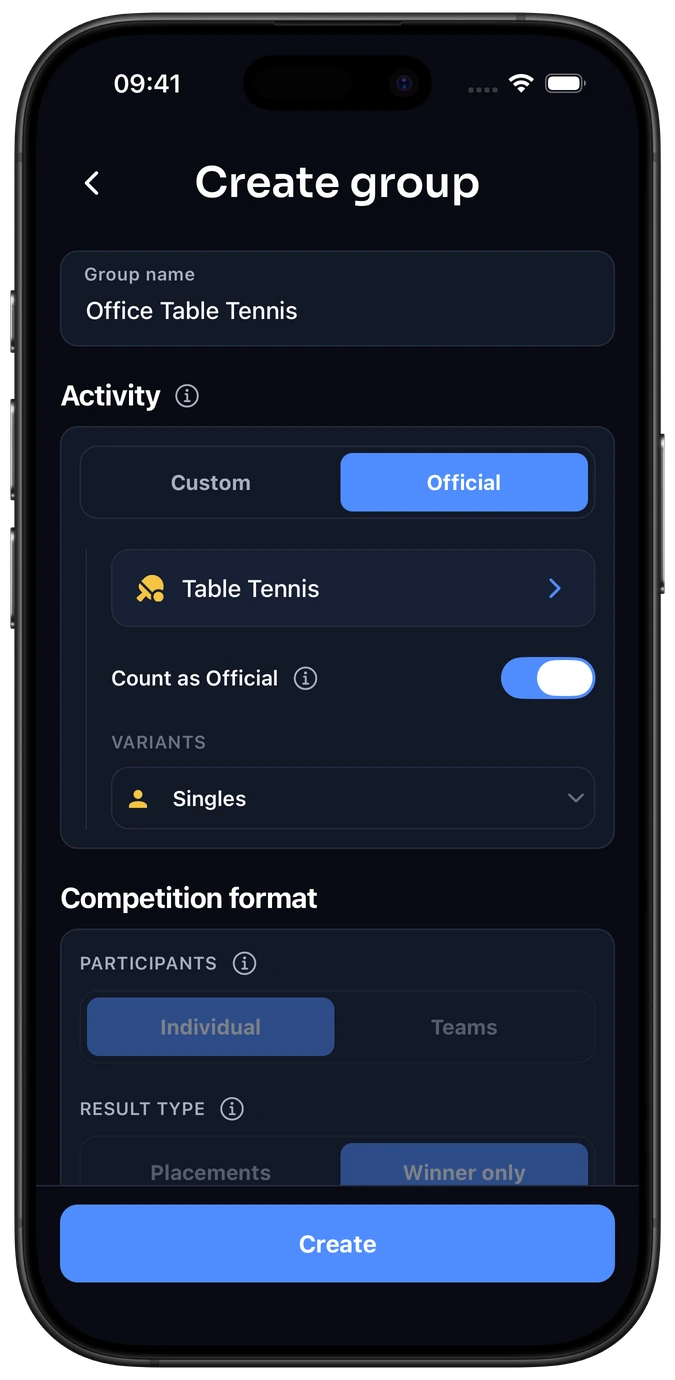
Open Groups → Create group, give it a name such as “Office Ping Pong”, and choose the standard Table Tennis activity, listed under Official in the app. Use the format your group agreed. See the full group setup guide for the standard/custom choice and settings.
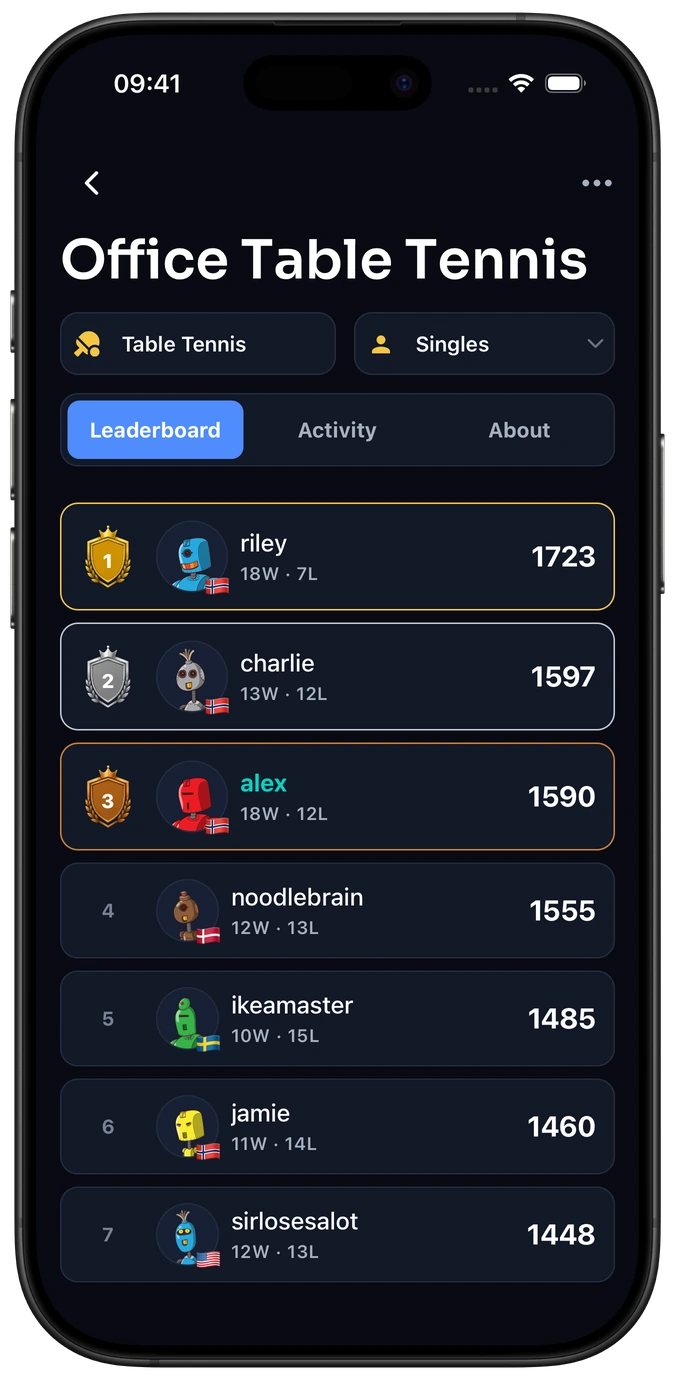
Your group has its own leaderboard. You choose whether its results also count toward your activity rating.
Invite the people at your table.
Share the group invitation link or QR code. Each colleague joins with their own Elo-X account. Start with the people who want to play.
Play, log and confirm.
Finish your match, choose the group and format, and add the actual players and outcome. Required players check and confirm it before it counts. See how confirmation works.
Follow the standings. Plan your next match.
See how your group ranks, look back at saved matches and revisit a head-to-head rivalry. Elo-X’s Glicko-2 ratings reflect results and opponents, rather than adding up raw game points.
Frequently asked questions
Can our office matches count toward Elo-X activity ratings too?
Yes. For a supported standard Table Tennis format, enable Count as Official. Newly created matches then count towards both group and activity ratings once confirmed; existing matches stay unchanged. Global leaderboards appear once there are enough players for the relevant format; your group has its own standings. Explore Table Tennis.
Is this a live ping pong scoreboard?
Elo-X keeps completed matches and confirmed results, including game scores when score tracking is enabled. It does not replace a live point counter at the table.
Can we create an office league for other games?
Yes. Choose another standard activity or create a custom group for your game, with its own competition. Find inspiration in our office games guide or explore custom groups.

