
Choose a game for your team.
Play at the office or meet up after work. Choose an activity to explore group options, or use a custom activity for another game.
-
Table tennis
Keep lunch-break matches on your office leaderboard.
-
Squash
Take your office rivalry to the squash court.
-
Padel
Team up with colleagues for after-work doubles.
-
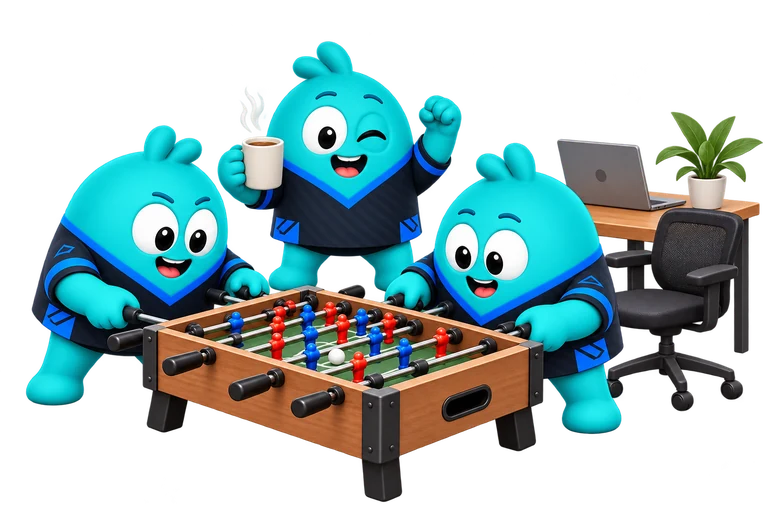
Foosball
Play 1 vs 1 or team up for 2 vs 2 office matches.
-
Board games
Track CATAN, Ticket to Ride or another game-night favourite.
-
Chess
Track coffee-break games on your own chess leaderboard.
-
Anything else
Create a custom group for another game or competition.
Set up your league in four steps.
Choose your activity and format.
Start with one activity. Agree what counts as one result: a single game or a whole match. Settle your house rules before playing.
Create your Elo-X group.
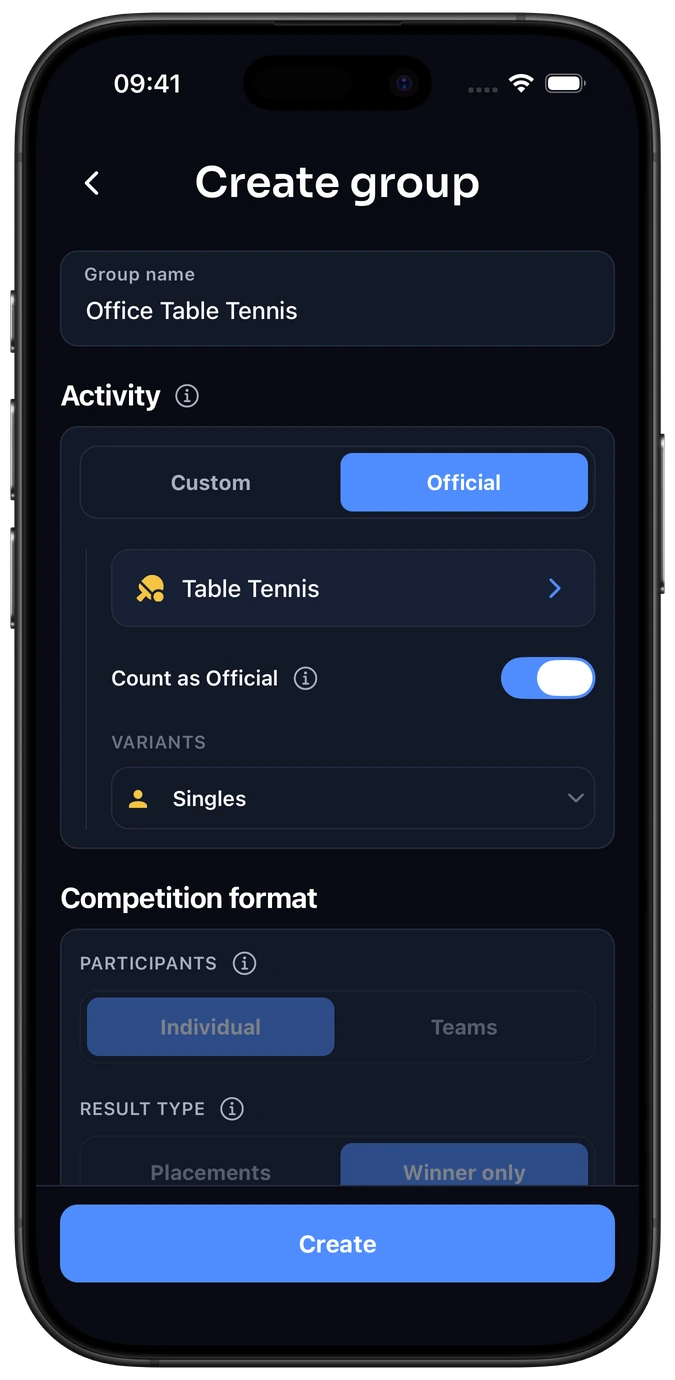
Name it something your colleagues recognise, such as “Office Table Tennis”. Choose a standard activity, or Custom for a game such as foosball. Follow the group setup guide.
Invite your colleagues.
Invite willing colleagues by link or QR code. Each player needs an account.
Play. Confirm. Follow the leaderboard.
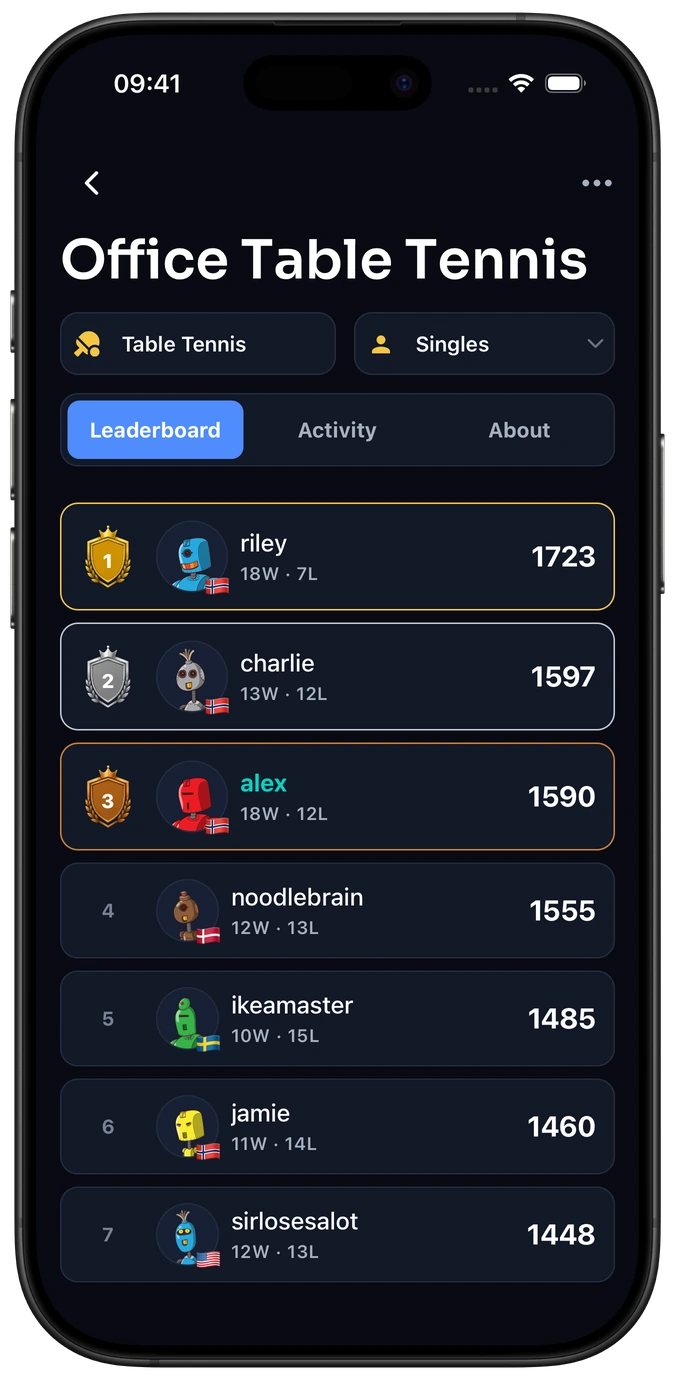
Log the completed result once. Players confirm it before your group leaderboard updates. How confirmation works.
Frequently asked questions
Is this a live scoreboard?
Elo-X saves completed results, including game or set scores when score tracking is enabled. Keep score during play in your usual way, then log and confirm the finished match.
Can we have separate foosball leaderboards for singles and doubles?
Yes. In a custom Foosball group, add Singles and Doubles as variants of the same activity. Each variant has its own leaderboard and ratings, with formats and rules you configure. Use Manage variants in the group menu to add them. Standard activities such as Table Tennis already have predefined Singles and Doubles variants.
Should different games share one ranking?
Keep separate competitions for different activities and formats. A chess rating and a padel result measure different things; Elo-X ratings are not a combined points total.
Do we need to organise a tournament?
No. Arrange your own matchups whenever colleagues want to play. Your group can build a match history and leaderboard over regular office breaks. For an event with rounds and a finish, explore Elo-X tournaments.

